
Download Jihosoft Photo Eraser – Photo Editor, Image Remover, Photo Eraser, Remove Objects from Photos, Photo Editing Tool
Overview
Jihosoft Photo Eraser is a mobile application designed to simplify the process of removing unwanted elements from digital images. Its core function is to allow users to eliminate objects, people, or distractions from photos with minimal effort. This utility is particularly valuable for individuals who need to clean up images quickly—whether for personal use, social media sharing, or professional projects. The app targets a broad audience, including casual photographers, content creators, and users seeking a straightforward way to enhance their visual content without advanced editing skills.
Developed by Jihosoft, the app operates within the Photo & Video category, focusing on image editing efficiency. It is especially useful in scenarios such as removing power lines from landscape shots, deleting unwanted passersby from group photos, or eliminating blemishes from portraits. The app’s purpose is to streamline the editing workflow by offering a focused toolset that prioritizes speed and ease of use. In the broader mobile app ecosystem, Jihosoft Photo Eraser fills a niche for lightweight, purpose-built tools that deliver tangible results without requiring extensive training or high-end devices.
Although the developer did not provide additional technical details about the app’s development background, its consistent functionality and long-standing presence since its release on December 7, 2018, suggest reliability. The app’s free pricing model increases accessibility, making it an attractive option for users seeking no-cost solutions. Real-world applications include quick fixes for travel photos, social media content optimization, and personal image curation.
Key Features & Functionality
Jihosoft Photo Eraser delivers a focused set of tools tailored to one primary task: removing unwanted elements from images. Each feature is designed to enhance usability and efficiency, ensuring users can achieve clean edits with minimal effort.
- User-Friendly Interface: The app features an intuitive layout that allows users to import photos and begin editing immediately. Even those unfamiliar with photo editing software can navigate the toolset with ease, reducing the learning curve significantly.
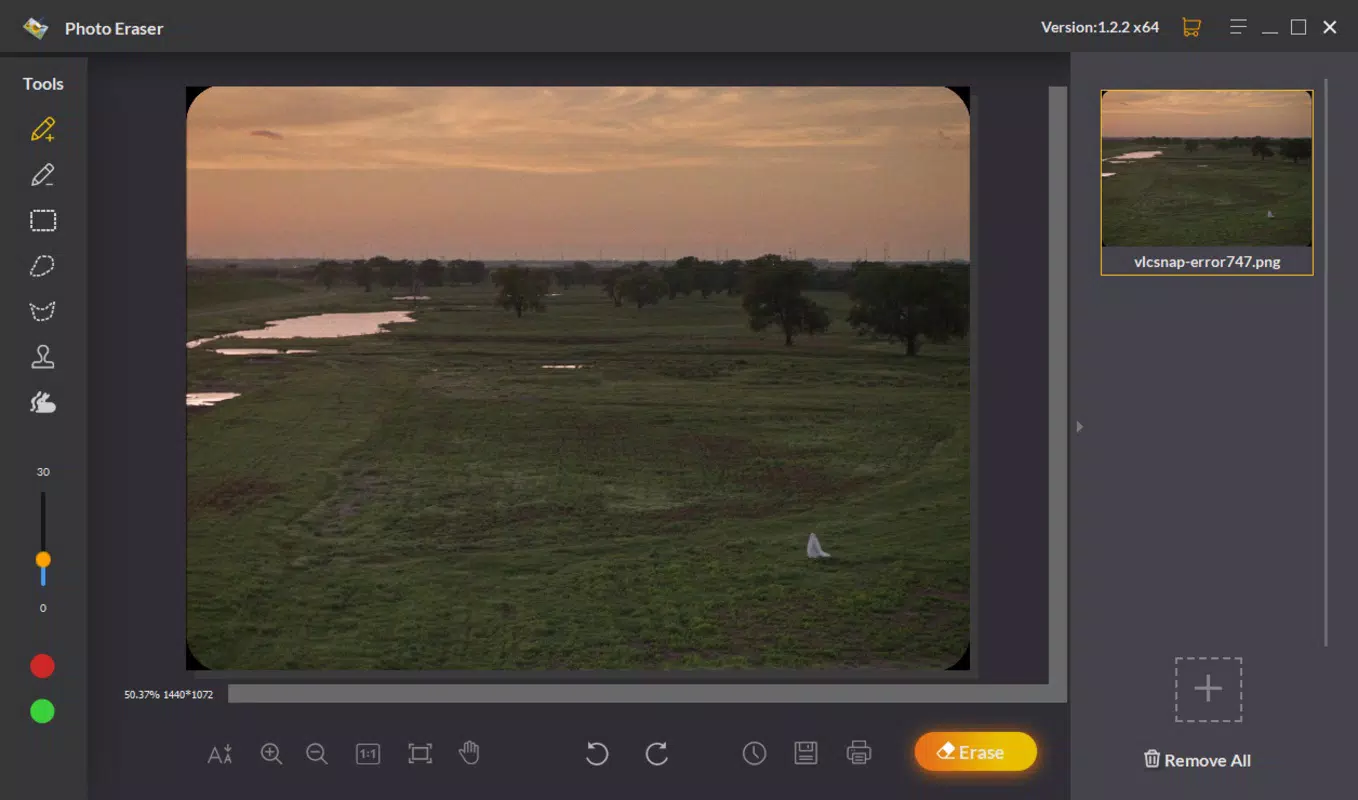
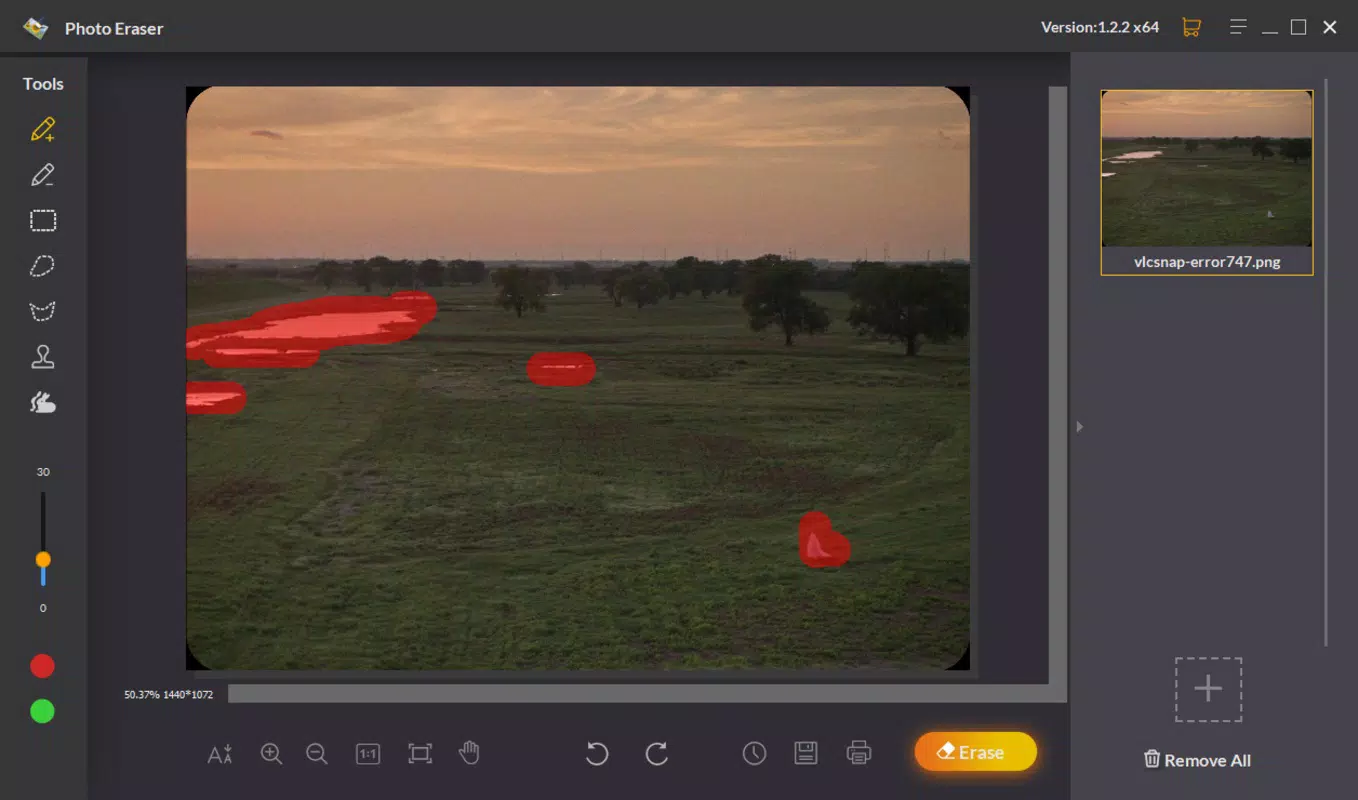
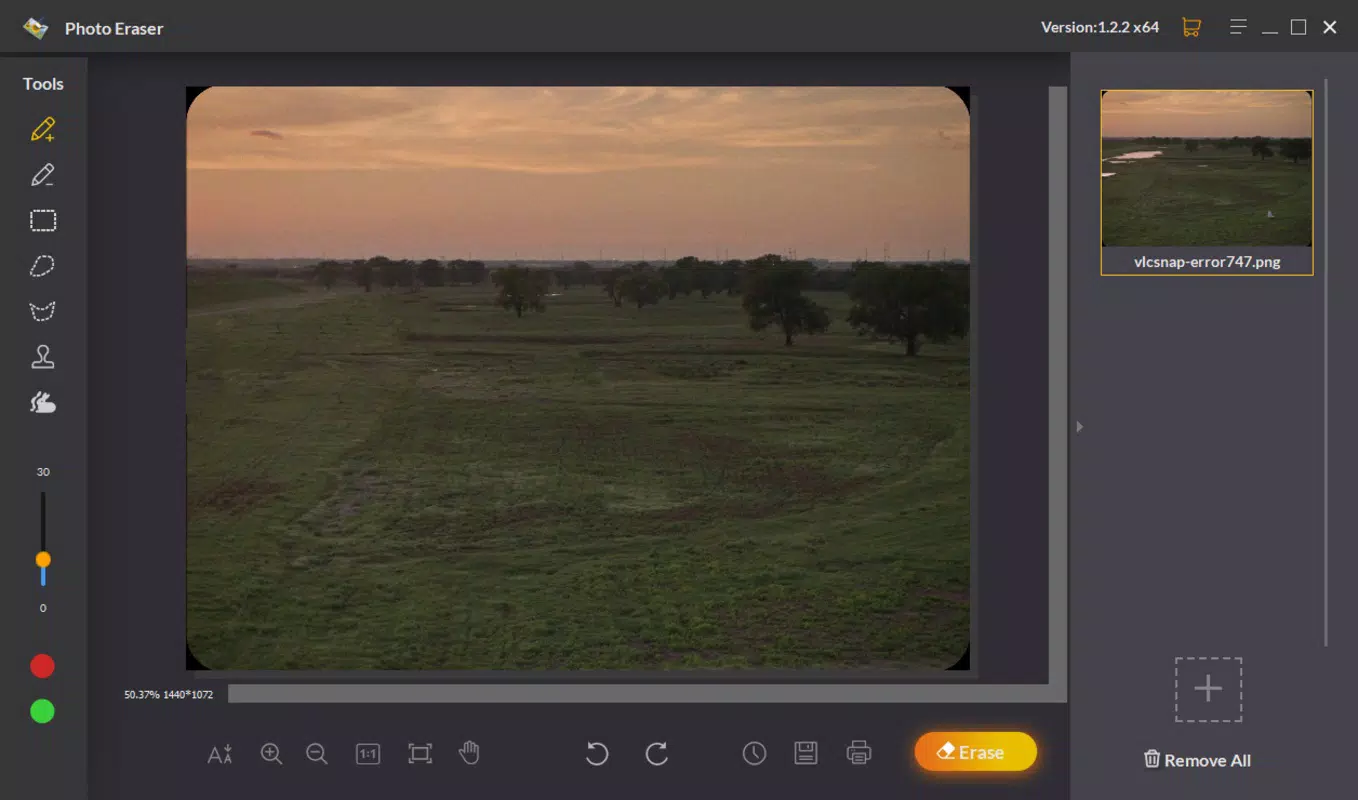
- Quick Erasure Tool: After selecting a photo, users can highlight the area they wish to remove and apply the erasure function. The process is fast, typically completing in seconds, making it ideal for on-the-go editing.
- Simultaneous Element Removal: A marker tool enables users to select multiple areas for removal at once. This feature prevents background inconsistencies and streamlines the editing of complex images with several distractions.
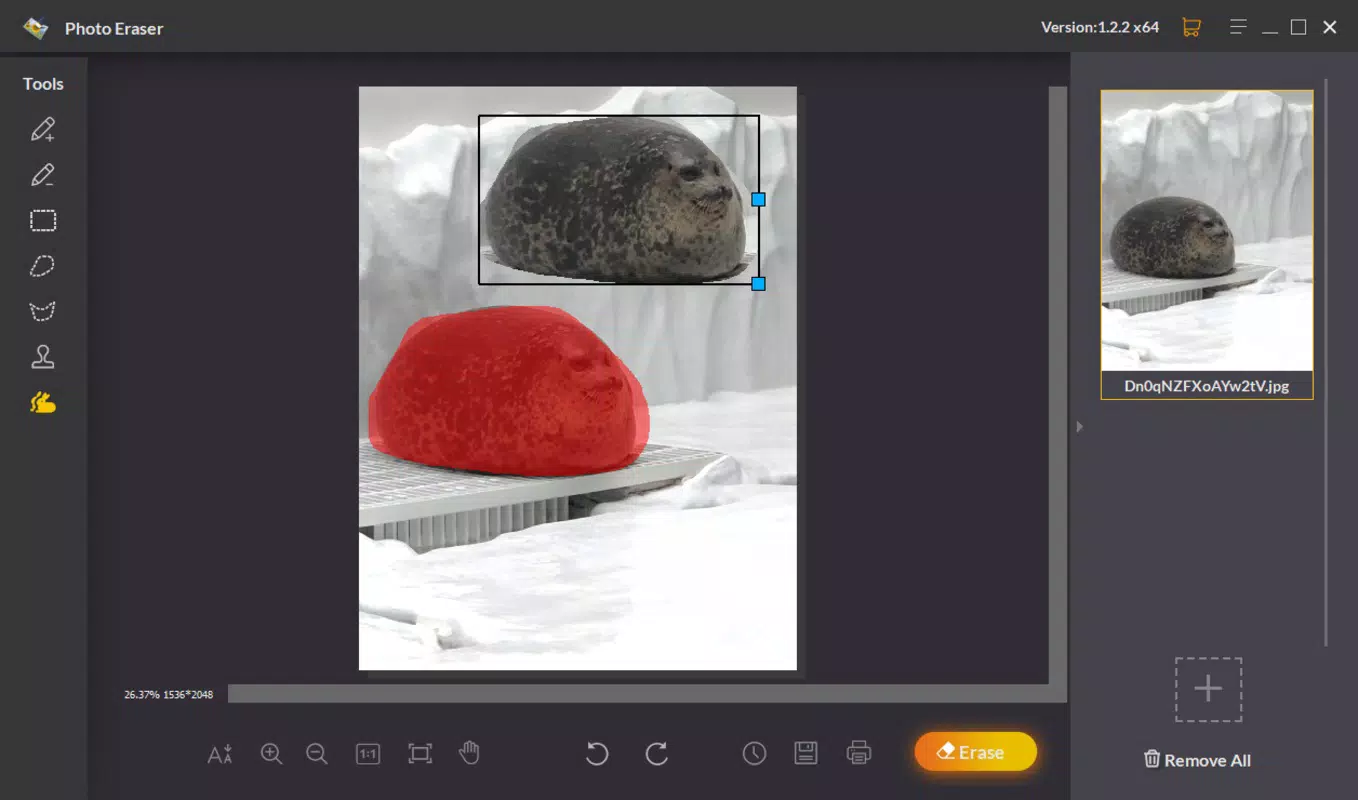
- Clone Tool Feature: Beyond simple erasure, the app includes a cloning tool that allows users to duplicate and reposition elements within the image. This adds flexibility for creative edits, such as duplicating trees in a landscape or replacing a missing object.
These features are particularly effective in real-world use cases, such as editing vacation photos with intrusive poles or removing a person from a family gathering shot. The app’s functionality supports both minor touch-ups and more involved edits, offering a balanced mix of simplicity and capability.
Interface, UX & Performance
The user interface of Jihosoft Photo Eraser is clean and focused, with minimal clutter and clearly labeled tools. The layout prioritizes accessibility, placing essential functions within easy reach. Navigation is straightforward: users import a photo, select the area to erase, and apply the tool with a single tap. This linear flow enhances usability, especially for those who value efficiency over complex customization.
Visual design is functional rather than flashy, emphasizing clarity and responsiveness. The app maintains a consistent layout across different screen sizes, ensuring a stable experience on various Android devices. Although the developer did not list formal performance metrics, the app’s lightweight size of 15.4 MB suggests optimized resource usage, which may contribute to smooth operation on mid-range and entry-level smartphones.
Responsiveness is generally consistent during editing tasks, with minimal lag observed during image processing. Stability appears reliable, as the app does not exhibit frequent crashes or freezes during standard use. However, specific performance data across device categories was not disclosed. Users can expect a stable experience for basic to moderate editing tasks, though advanced or high-resolution image processing may vary depending on individual device capabilities.
Platform Compatibility & Technical Requirements
Jihosoft Photo Eraser is available exclusively on the Android platform. The current version is 1.0.1, with a file size of 15.4 MB, indicating a lightweight application that conserves storage space. This small footprint makes it suitable for devices with limited internal memory.
The developer did not specify minimum OS requirements, so compatibility with older Android versions cannot be confirmed. Users should ensure their device meets standard Android system requirements for app installation. While no specific hardware details were provided, the app’s size and functionality suggest it is designed to run efficiently on a wide range of Android smartphones and tablets.
Pros and Cons
Pros
- Free to download and use, making it accessible to a wide audience.
- Lightweight size (15.4 MB) ensures minimal storage impact.
- Intuitive interface suitable for beginners and casual users.
- Fast erasure process with minimal user input required.
- Supports simultaneous removal of multiple elements for efficient editing.
- Includes a clone tool for creative image enhancements.
Cons
- Platform availability limited to Android only.
- No information provided about minimum OS or device requirements.
- Limited customization options compared to advanced photo editing software.
- Specific performance benchmarks or device compatibility details were not disclosed.
- Only one platform is supported, restricting access for iOS users.
FAQ
Is Jihosoft Photo Eraser safe to download and install?
Yes, the app is available through official Android channels and is free from known malware. Users should download from trusted sources to ensure security.
Can I use Jihosoft Photo Eraser on iOS devices?
Currently, the app is only available for Android. There is no official iOS version released.
Does the app require an internet connection?
No, the app functions entirely offline. All editing processes occur locally on the device.
How often is Jihosoft Photo Eraser updated?
While the app has been available since 2018, the developer has not publicly shared update frequency. Users should check their device’s app store for the latest version.
Can I undo edits made in Jihosoft Photo Eraser?
Specific undo functionality was not detailed. However, the app likely retains the original image until saved, allowing users to revert by re-editing.
Final Thoughts
Jihosoft Photo Eraser stands out as a practical, no-frills solution for users who need to remove unwanted objects from photos quickly and efficiently. Its lightweight design, intuitive interface, and core functionality make it a valuable tool for casual users and content creators alike. While it lacks the depth of professional-grade software, it delivers on its promise with speed, simplicity, and reliability.
For individuals seeking a free, mobile-based photo editing utility that focuses on one key task—object removal—this app offers a compelling value proposition. It’s especially well-suited for those who prioritize ease of use over advanced features.
Download Jihosoft Photo Eraser now


